
Short answer: The Gemini agent is Google Cloud's new "single, universal agent for work," announced on October 8, 2026 at Gemini at Work. You give it an objective, and it plans the work, uses tools and skills, connects to your company's systems and returns finished output in Gmail, Docs, Sheets, Slack, Microsoft 365 or the command line. It is in private preview for select Gemini Enterprise customers today, with wider availability promised soon (Google Cloud).
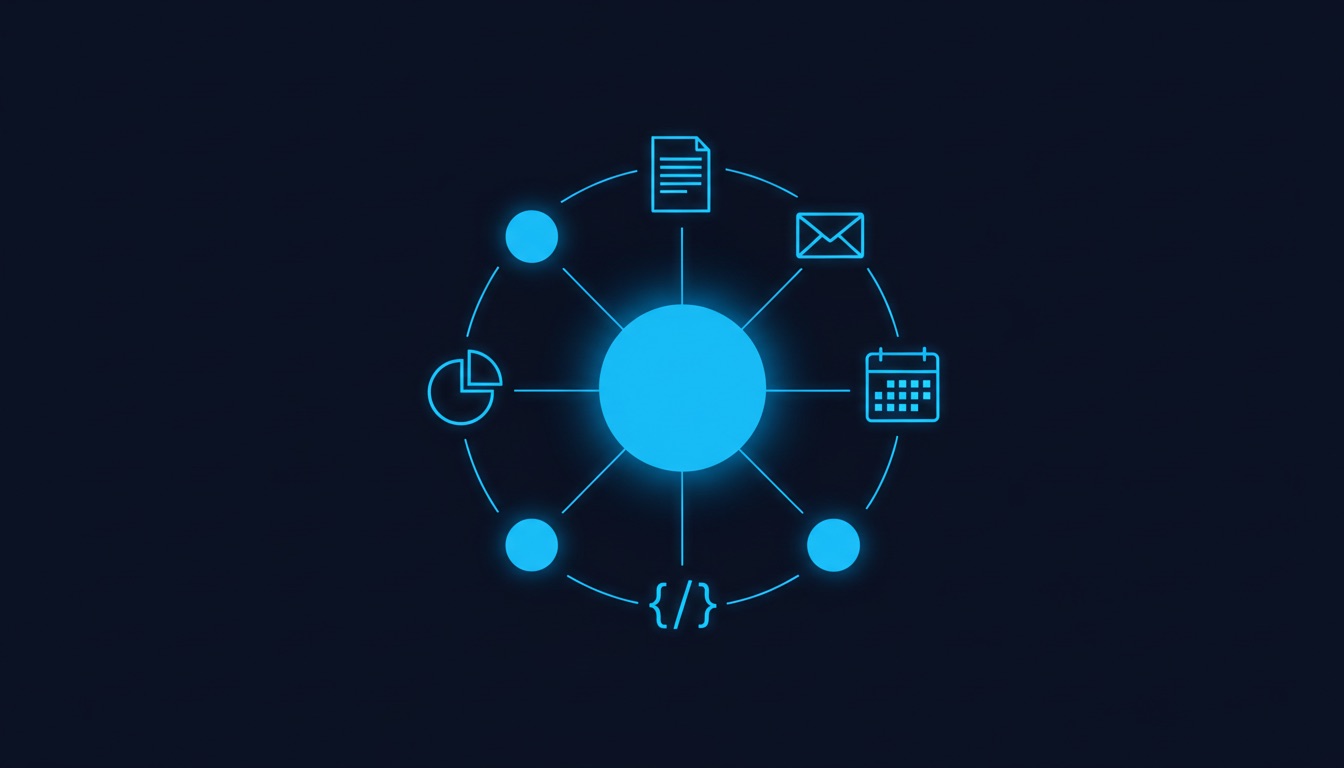
Google already had Gemini inside Workspace and a consumer agent, Gemini Spark. The Gemini agent is different in scope: one agent, one prompt box and one API for questions, documents, media and code, with memory that follows you across devices. It lands two weeks after Microsoft's new Copilot and OpenAI's Dots, so the race for "the agent you work with all day" now has three big players. This guide explains what the Gemini agent does, how it works, who can use it and what it changes for your job. For the wider map of assistants and agents, start with our AI tools hub.
What is the Gemini agent?
The Gemini agent is an AI agent for companies that takes on whole assignments, not single prompts. Google Cloud CEO Thomas Kurian summed up the idea in his keynote: "You give it objectives, not instructions. You delegate an outcome and come back to finished work" (Google Cloud).
In practice, one agent covers four kinds of work that used to live in separate tools:
- answering questions with your company's context;
- knowledge work, such as research, reports and planning;
- creating images and other media;
- writing and running code.
It can act as your personal assistant, or as a team member that works for a group or a role, "like a project manager within a team" or "an analyst in your finance department," in Google's words. It lives inside the Gemini Enterprise app and, according to 9to5Google, you can call it with @Gemini in Gmail, Docs, Sheets, Slides and Chat.
How does the Gemini agent work?
It works as a cloud agent that plans, delegates to sub-agents and keeps one memory for you everywhere. Google lists six design principles in its announcement:
| Principle | What it means for you |
|---|---|
| Unified agent | Chat, autonomous tasks and code from one interface; you can also schedule tasks or have it react to events |
| Omnipresent access | Web, iOS, Android, Windows, Mac, the command line, Workspace, Microsoft 365 and Slack, plus a "headless" mode through an API |
| Persistent execution | It runs in the cloud, so work that takes hours or days keeps going after you close your laptop |
| Multi-agent orchestration | It creates temporary, job-specific sub-agents and coordinates parallel or sequential steps |
| Deeply contextual | It learns your tools, data and work history, and teams can set up projects with their own context |
| Model choice | It picks the model for each job: Gemini and Anthropic's Claude today, other private and open models later |
The model choice point is unusual. The agent carries the Gemini name, but Google says "the model underneath it is a separate choice," and routes simple jobs to cheaper models to cut costs. Some readers were quick to ask why it is still called Gemini; that debate showed up in the comments on 9to5Google.
Under the hood, three building blocks give the agent its business knowledge:
- Tools: connectors to Confluence, Microsoft Office, Teams, Slack, Git, Jira, Salesforce, ServiceNow, BigQuery, Databricks, Postgres, Snowflake, files on your desktop and any MCP server. Companies can publish their own tools in a shared registry.
- Skills: reusable instructions and workflows stored as modular prompts. Google ships a global library, and teams can publish custom skills.
- Context and memory: what it learns from you, your colleagues and your organization.
What are the Gemini agent's four kinds of memory?
The Gemini agent keeps four separate memories, and that is what lets it run long jobs without being re-briefed. Google describes them this way:
- Session memory for the task in front of it, "even when it runs for days."
- Semantic memory, a structured knowledge base it builds as it reads documents, talks to people and works with other agents.
- Procedural memory for how a job gets done, including skills it writes for itself.
- Episodic memory of everything it has done before.
Google says the agent "onboards itself the way a new hire would," learning you, your tools and your team before it starts. If you want to understand how these memory layers work in agents in general, and where they fail, read our guide to AI agent memory.
What can the Gemini agent do inside Google Workspace?
Inside Workspace it works in three modes: personal assistant, proactive delegation and coworker agent.
Personal assistant. Google's own example: you ask it to set up a meeting with "the usual team of regional event leads" next week without naming anyone. Gemini works out who they are from your chat space and the thread from the last event, checks calendars and starts an email thread to find a time, even with external guests. It can also chain apps: research market trends, build a financial model in Sheets and then a deck that presents both.
Proactive delegation. If your manager emails you asking for a project update as a slide deck, Workspace Intelligence spots that as a task the agent can do and offers a one-click handoff. It also ranks your inbox by what matters most rather than what arrived last, and explains why.
Coworker agent. You describe a role, such as an events coordinator, and Gemini creates an agent with its own Workspace account: email address (at @agents.company.com), calendar, Drive and a place in the company directory. Colleagues add it to a Chat space or @mention it. It edits documents under its own name in version history and sees only what people share with it.
That last mode is the biggest shift. Your team could soon include agents that receive email and get assigned tasks like any colleague.
Who can use the Gemini agent, and what does it cost?
Today, only a select group of Gemini Enterprise customers can use it, in private preview. A Google Cloud spokesperson told VentureBeat that wider availability is coming soon, with no date, and that once it rolls out it will be included at no additional charge where Gemini Enterprise is available, including existing Google Workspace business and enterprise subscriptions. 9to5Google adds that it will reach Workspace customers on select Business and Enterprise plans.
Google has not published a separate price for the agent. What it did announce are cost controls for companies:
- Smart Routing, which sends each workload to the model with the best performance at the lowest cost.
- Real-time spend caps in the Cloud Billing Console. If a project hits its cap, its agent pauses until someone resumes it with one click.
- Per-project tracking, so finance can charge AI costs back to each department.
If you use the free Gemini app or a personal Google account, this is not for you yet. The closest consumer option is Gemini Spark, which Google launched in May.
How does Google keep the Gemini agent secure?
Google's answer is to treat every agent like an employee with its own identity and limits. Kurian framed governance as four questions: who the agent is, what it may do, what it did and what it should never touch.
- Identity: every agent gets a cryptographically attested identity with least-privilege permissions.
- Permissions: role-based access approved by security admins, passed to outside systems through standards such as OAuth.
- Audit: every action goes into an audit trail attributed to the agent, not to a person.
- Agent Sandbox and Agent Gateway: tasks run in an isolated sandbox, and all traffic passes through a gateway that enforces company rules, such as "agents may not open documents classified Need to Know."
Open questions remain. VentureBeat notes that Google has not said whether every agent gets its own Gmail and Drive, whether coworker agents need extra licenses, or exactly what data reaches outside model providers such as Anthropic. Google has also not shared independent benchmarks on how reliably the agent completes long, cross-app assignments. For a broader look at isolating agents in a company, see our case study on AI agent governance for enterprise.
How does the Gemini agent compare with Copilot and ChatGPT Dots?
All three want to be the agent you delegate work to, but they start from different places. Here is the timeline from public announcements:
| Agent | Company | Announced | Status at launch |
|---|---|---|---|
| Copilot Home, Code and Autopilot | Microsoft | September 25, 2026 | Home and Code through the Frontier program; Autopilot in private preview |
| Dots | OpenAI | September 29, 2026 | Always-on agents inside ChatGPT |
| Gemini agent | Google Cloud | October 8, 2026 | Private preview for select Gemini Enterprise customers |
Sources: VentureBeat and Google Cloud.
Google's distinct bets are the model choice (including Claude), coworker agents with real Workspace accounts and a single agent that also writes and runs code. Microsoft's pitch is the same idea inside Microsoft 365. We break down Microsoft's modes in Copilot Home, Code and Autopilot, and OpenAI's approach in ChatGPT Dots explained.
If your company already runs on Workspace, the Gemini agent will likely arrive as a software update, which is how Google described the rollout. If it runs on Microsoft 365, the comparison matters more, because the Gemini agent also works inside Microsoft 365 and Slack.
What should you do while the Gemini agent is in preview?
Get your work ready to delegate. An agent that takes objectives is only as good as the objectives and the context you give it.
- List your repeat tasks. Status updates, meeting scheduling, weekly reports and first drafts are the jobs Google's own examples target.
- Write down how you do them. Clear steps become the "skills" an agent can reuse.
- Clean up sharing. Coworker agents see only what people share with them, so messy Drive permissions become an agent problem.
- Decide what you will check. Every delegated output still needs a human review before it goes to a client or a manager.
The skill behind the Gemini agent
The Gemini agent, Copilot and Dots all point to the same change at work: you stop doing every step yourself and start assigning outcomes to agents. The people who benefit most are not the ones who know a specific tool. They are the ones who can break a job into clear objectives, give an agent the right context and judge whether the result is good enough to send.
That is a skill you can learn in your own role, whatever tool your company picks. If you want a structured way to build it, compare our programs and see which one fits where you are today.