Short answer: Buzz is a free, open source team workspace built by Block (Jack Dorsey's company) and released on July 21, 2026. It looks like Slack: channels, threads, DMs, voice. With one fundamental difference: AI agents aren't integrations or bots. They're team members with their own cryptographic identity, their own permissions, and their own audit trail. It also ships code repositories, which puts it in competition with GitHub too.
If you work with Claude Code, Codex, or goose and you're tired of your project context living scattered across seven browser tabs, this launch matters to you. Here's what it actually is, what works today, what doesn't, and how to try it.
Who's behind Buzz
Buzz was built by Block, Inc., the company run by Jack Dorsey (co-founder of Twitter and Square/Block). Dorsey describes it as "model-agnostic, decentralized, self-sovereign, and open source."
The origin story is refreshingly honest: they built it to reduce their own dependency on Slack and GitHub, then decided to publish it so anyone could do the same. Bradley Axen, Head of AI Capabilities at Block, sums up the thesis: every company is going to need a place where humans and agents work together, and that place should be open.
The code lives at github.com/block/buzz under the Apache 2.0 license, written mostly in Rust, and it cleared 16,000 stars within days.
How it actually differs from Slack
The easy take is "Slack with AI bolted on." It goes deeper than that.
| Slack | Buzz | |
|---|---|---|
| AI agents | Integrations and bots with app tokens | Members with their own keypair, profile, and permissions |
| Code | You link out to GitHub | Repositories and git hosting inside the platform |
| Your data | On Slack's infrastructure | On a relay you can self-host |
| AI model | Whatever the vendor picks | Any provider you configure, but subscriptions and API keys aren't interchangeable |
| License | Proprietary | Apache 2.0, open source |
| Automation | Proprietary Workflow Builder | YAML workflows on open protocols |
The last row is the one that isn't cosmetic. In Slack, wiring up your own app means registering an application on their platform, managing tokens, and learning their structure. In Buzz, because it's built on open protocols, connecting your own tooling is a matter of minutes.
The AI model row deserves a second look too, because it's where a lot of people trip on their first day. Picking an agent that runs on Claude Code or Codex uses the CLI you already log into, so your existing subscription covers it. Choose Anthropic or OpenAI as a provider instead of a harness, though, and Buzz asks for an API key. A Claude Pro or ChatGPT Plus subscription doesn't cover that. Same company, same model family, two different bills. One early tester picked the Claude agent expecting the subscription to carry it, found out otherwise mid-setup, and had to switch providers to get anything running.
How Buzz works under the hood
This is what makes the pitch hold together technically. Buzz isn't a chat app with a message database. It's a Nostr relay with a workspace interface on top.
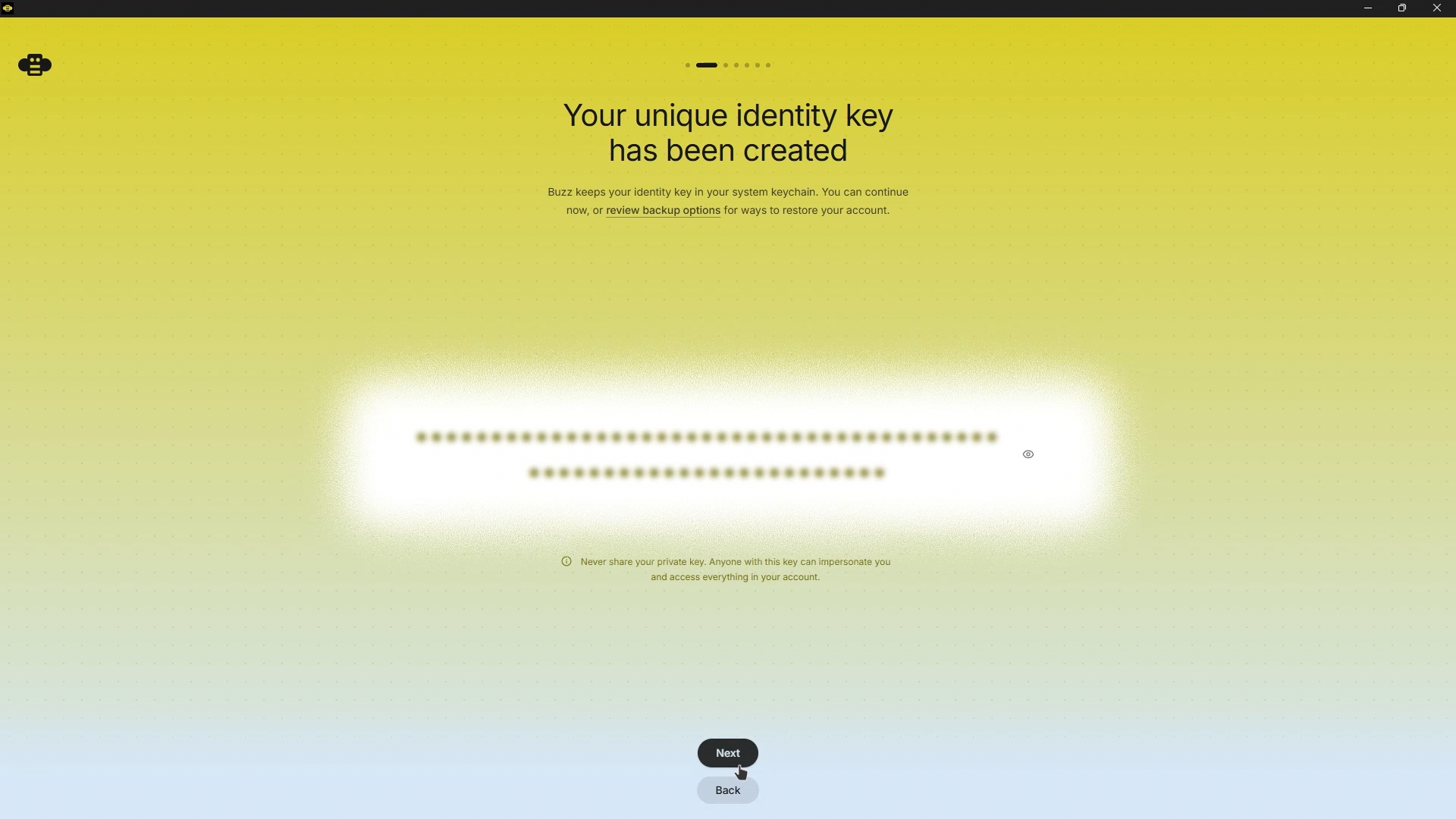
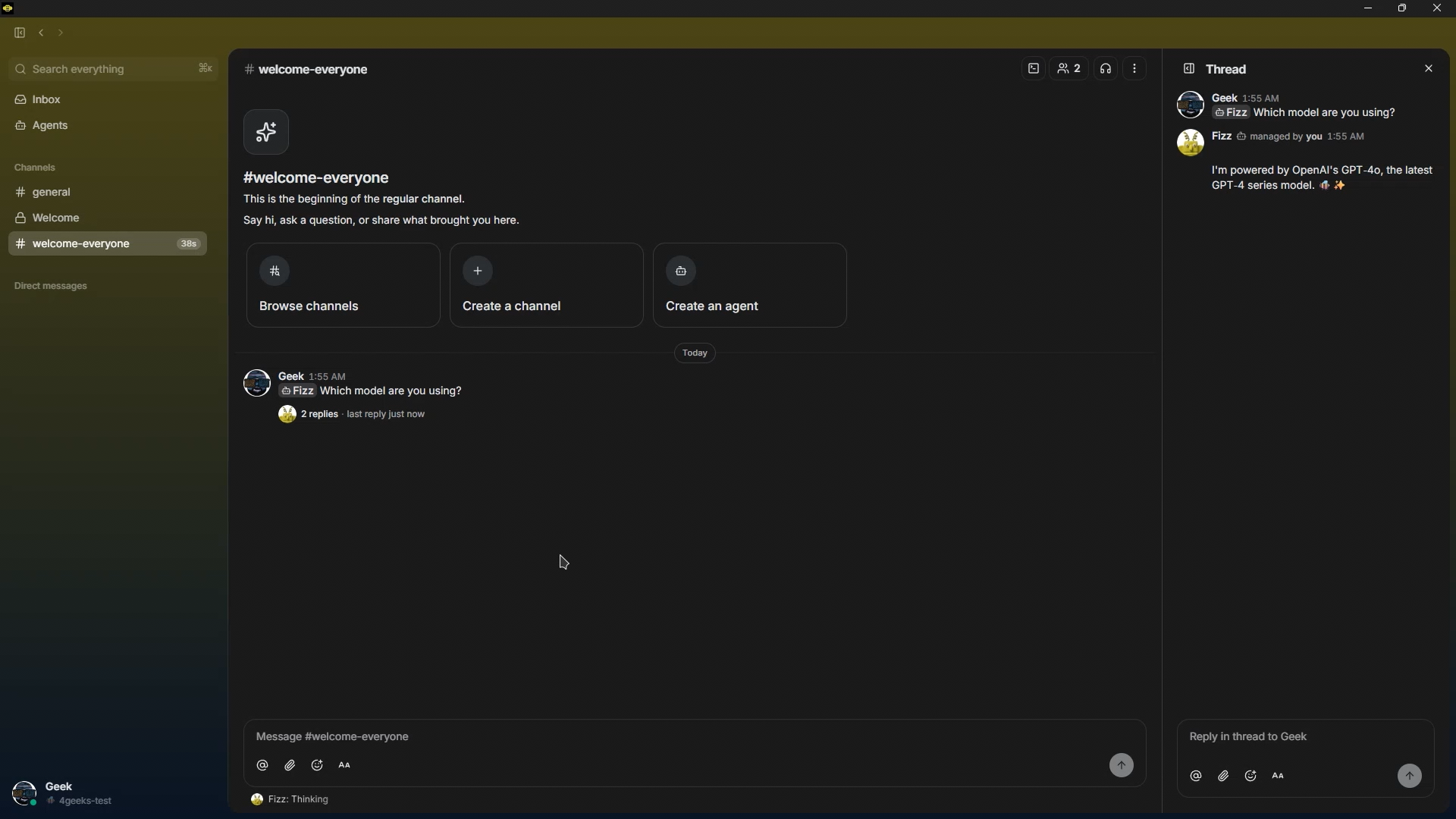
Nostr itself is simpler than it sounds. Your identity is a pair of cryptographic keys, not an account on someone's server. You sign what you send, relays store and forward it, and nobody has to vouch for who you are because the signature already does that. Open an agent's profile in Buzz and you'll see this made concrete: it has its own public key sitting next to yours, not tucked away in a settings panel somewhere. The member count doesn't say three people, one bot. It says four.

That means every message, every reaction, every code patch, every automation step, and every approval is a cryptographically signed event in one shared log. It doesn't matter whether the signer is a person or a process: same shape, same identity model, same audit trail.
Three practical consequences fall out of that design. First: an agent is a member, not an integration. It has its own keypair, its own channels, its own history. You add it to a channel the way you'd add a person, and you can review exactly what it did. Second: the relay is yours. The relay URL is the community. If you ever want to move, your data moves with you, something that is in practice extremely hard to do with Slack. Third: everything is searchable at once. The conversation, the code change, the CI result, and the approval are all the same kind of event and land in the same index.
For anyone who'll end up deploying it: a Rust relay, PostgreSQL for events and search, Redis for presence and real-time, S3 or MinIO for files, and a desktop app built with Tauri and React.
The killer feature: swap models without losing context
If you take one thing away from this article, make it this one.
Buzz separates the agent (its identity, its persona, its history in the channel) from the harness (the program that runs the model). The bridge between them is ACP (Agent Client Protocol).
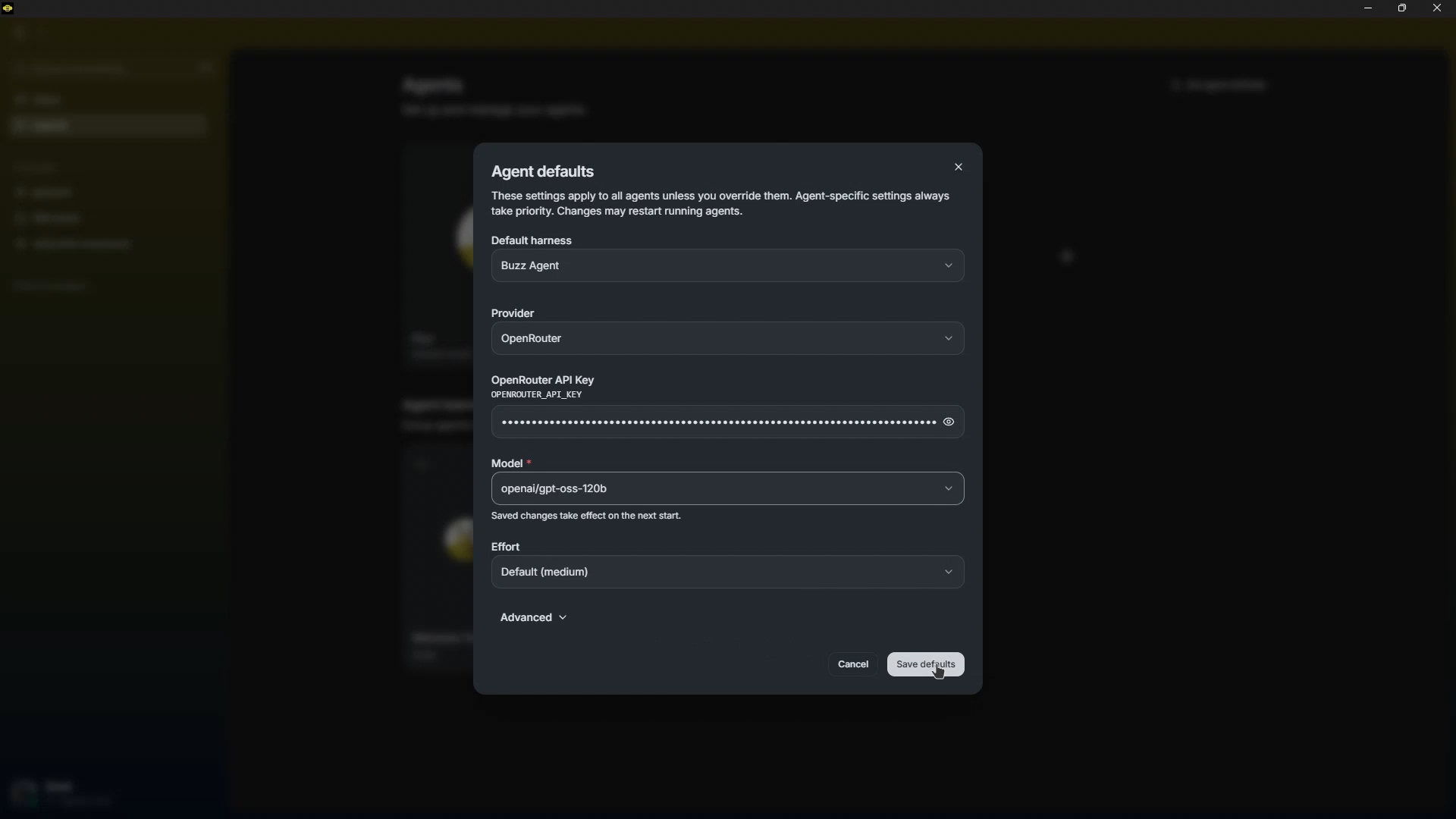
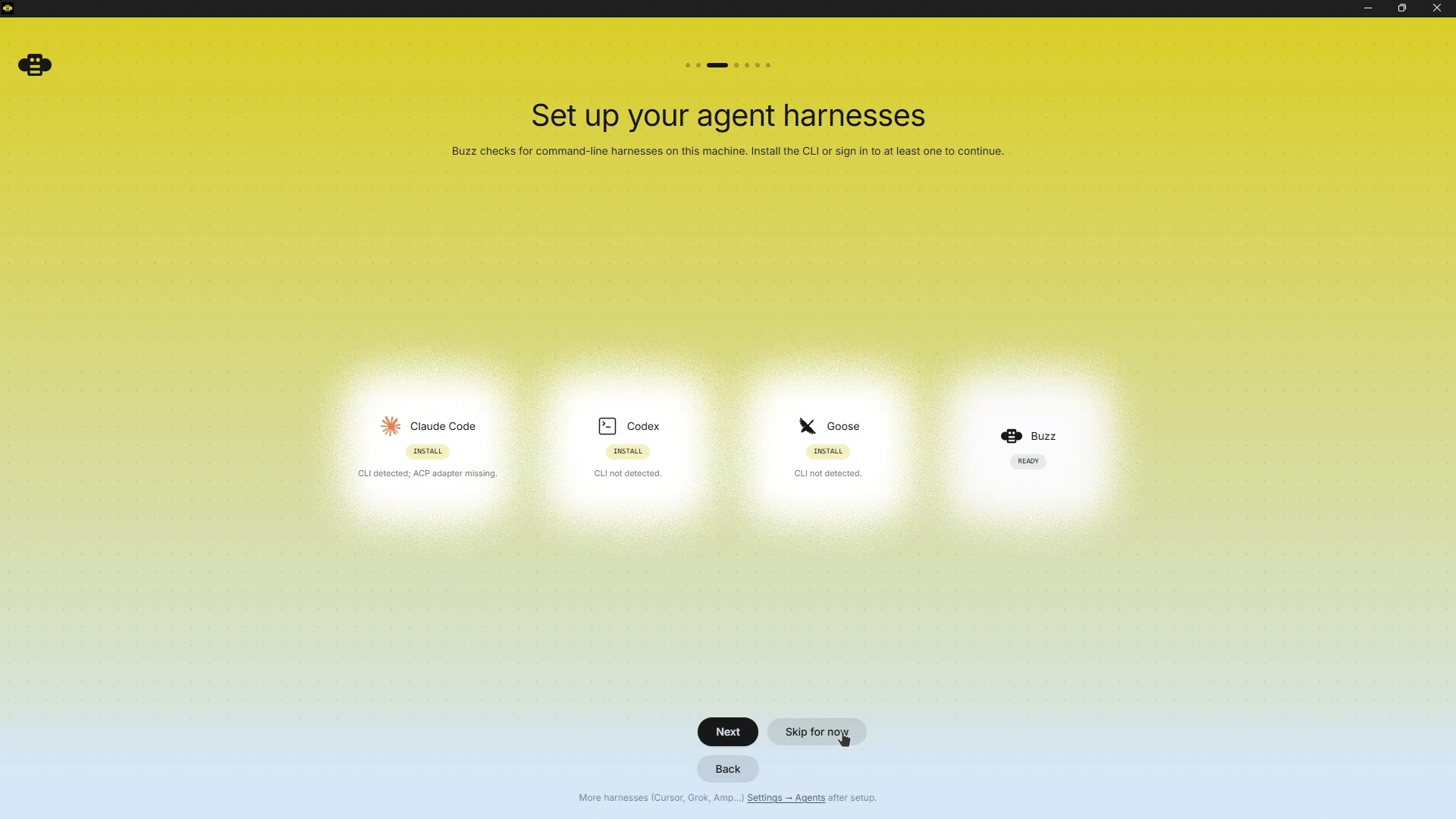
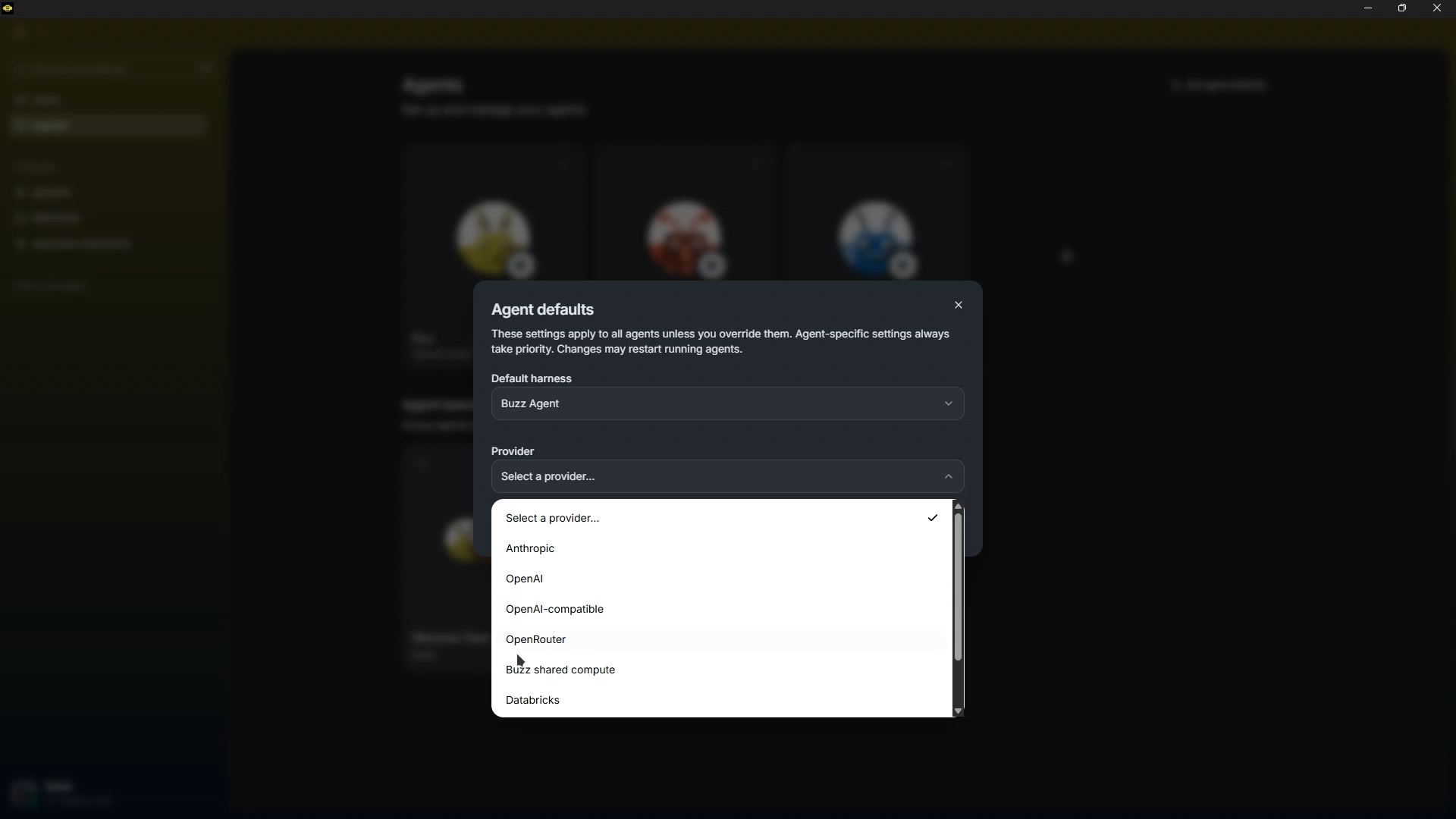
That "supported today" list undersells what's actually in the settings. The harnesses Buzz detects on your machine, Claude Code, Codex, Goose, and a few more you can add later, are one layer. Underneath, the built-in Buzz agent talks to its own set of providers: Anthropic, OpenAI, OpenAI-compatible, OpenRouter, Databricks, and a shared-compute option that's disabled in the current release. Each one wants its own key, and OpenAI-compatible is where anything outside the big three lives, Groq included, by pointing a base URL at their endpoint instead of picking a name from a dropdown. There's no field for that URL in the setup screen. You add it yourself, under Advanced.
Why does this matter so much? Because you can swap an agent's engine from the UI and the accumulated context stays put. Everything you discussed with that agent, the projects in flight, the decisions already made: still there, because it never lived inside the harness. It lives in the event log.
Anyone who's suffered model fatigue, switching tools every couple of months and starting from scratch re-explaining the project, gets the value immediately. And your globally installed skills keep working regardless of which harness you pick.
Practical tip: match each agent to the model its job deserves. A powerful model for reasoning about architecture, a cheaper one for routine work. Not every task is worth burning premium tokens on.
What you can actually do with it: two real examples
1. An agent that builds and ships a full app
On the Startup Ideas Pod episode that broke the tool down, Vinny (from the Wasp team) asked an agent to "spin up a simple CRM using the Wasp full-stack framework and deploy it to Railway."
The agent created the repository, wrote the code, deployed it to production, and posted the live link and screenshots back into the channel, before he'd even looked at what it was doing.
It works because agents operate in parallel git worktrees, not on your local checkout. You can ask for three different versions of a landing page at once without them stepping on each other.
2. The context loop (the part almost nobody caught)
This is the most valuable pattern in the whole story, and the least obvious. It isn't about an agent building an app. It's about the app it built feeding data back to the agent.
You ask for an app, say a dashboard tracking your content metrics. You ask that app to expose an API. You create a scheduled workflow that hits that API daily and posts the numbers into a channel. Now you reply in that thread: "what do my best-performing posts have in common this week?" And the agent already has the data in front of it. No CSV exports, no copy-pasting into ChatGPT.
That's the closed loop: context → agent → software → data → context. And it's portable: the same pattern works with n8n, with a cron job, or with Buzz. This is the boring work every business has, and it's usually where the real competitive advantage hides.
Shared compute: one local model for the whole team
Another underreported piece. In Buzz's settings you can turn on "share this machine," pick a local model, and let other members of your community use it from their own laptops.
The obvious scenario: three students with no budget for premium subscriptions pool their money, buy one decent machine, and share a local model across the group. Admission is gated by current community membership and cryptographic signatures, so it isn't an open port to the world.
It's early functionality, today it sits behind a compile-time feature flag, but the direction is clear: choosing your model shouldn't depend on who's selling you the subscription.
How to get started with Buzz: three paths
Path 1: hosted (a few minutes, no infrastructure)
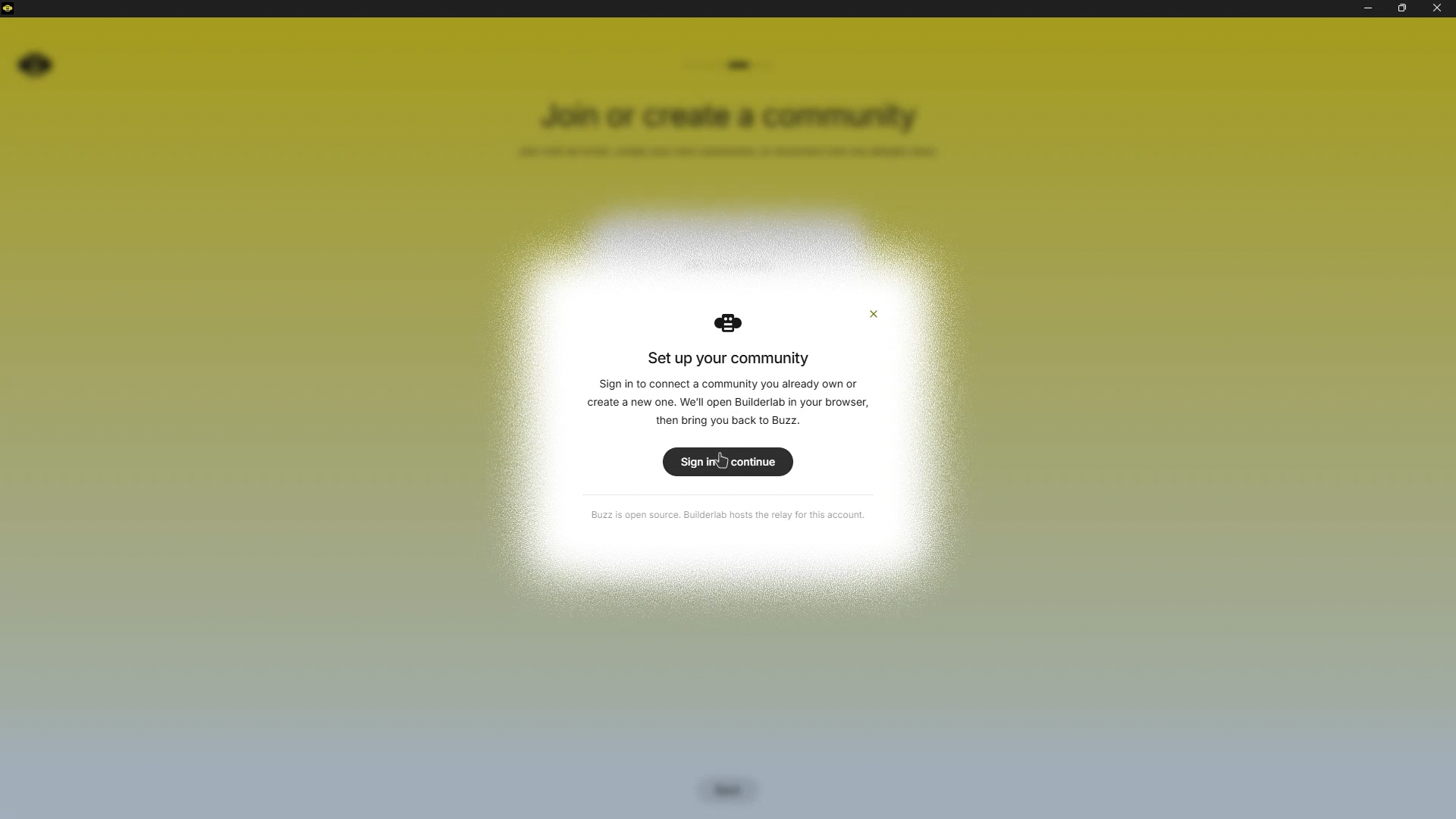
Sign in and Buzz opens Builderlab in your browser: email and password, no OAuth. Come back and claim an address like yourname.communities.buzz.xyz. Worth being clear about what this actually is: a hosted account, not the self-hosted setup the "open source" label might suggest. If you want the real self-host path, that's Path 3 below. It's free in early beta, and no pricing tiers or usage limits have been published yet, so treat "free" as a launch-phase fact, not a permanent guarantee.
Path 2: desktop app against an existing relay
Grab the installer from the repository releases: .dmg for macOS, .AppImage or .deb for Linux, .exe for Windows. It defaults to ws://localhost:3000; you can switch relays from inside the app or with the BUZZ_RELAY_URL environment variable.
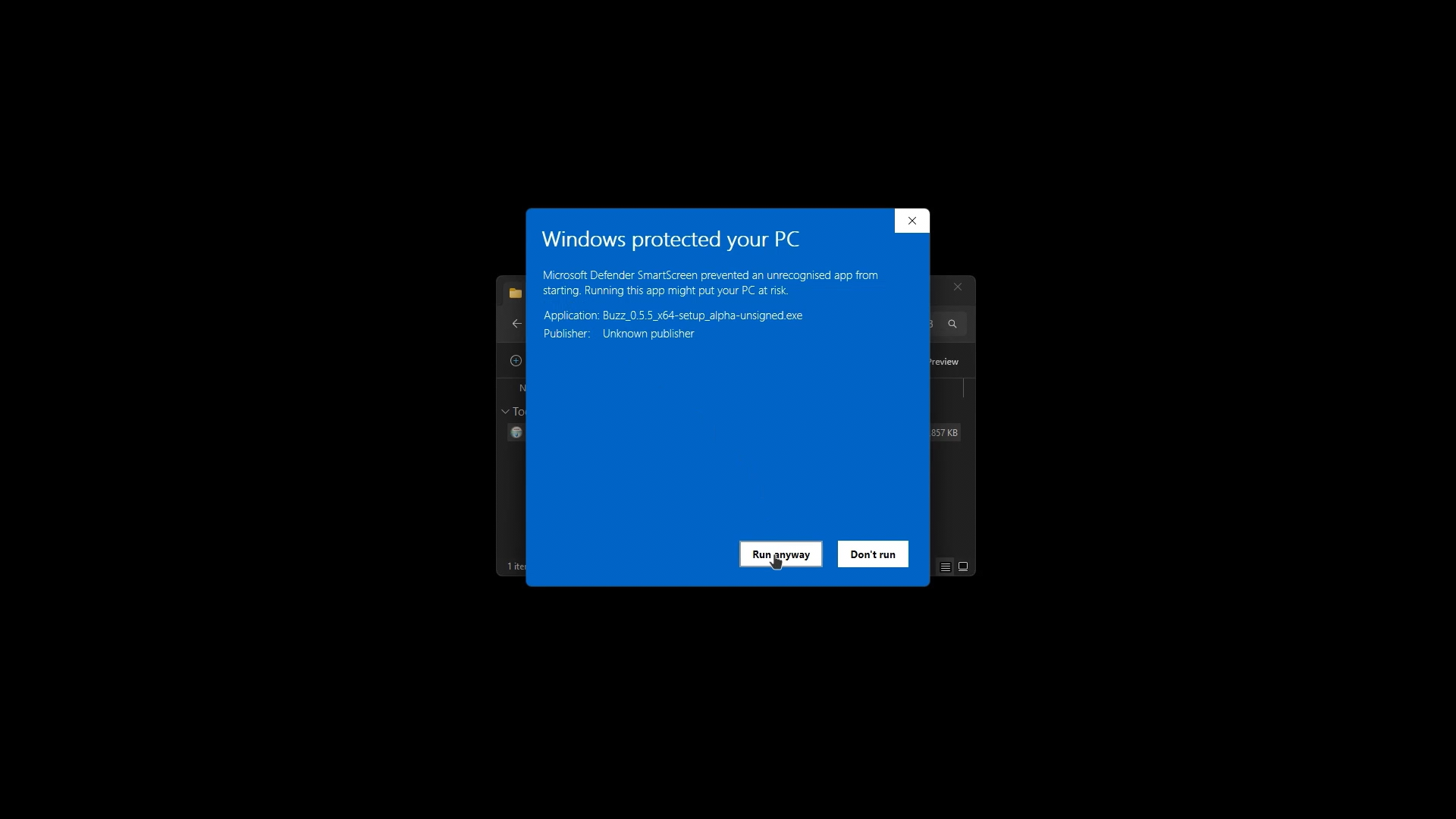
Windows will likely show a "Windows protected your PC" warning before the app opens, since the installer isn't signed yet. Click More info, then Run anyway. That's expected, not a sign something's wrong.
One thing trips up Windows installs specifically, and it won't look like a setup problem when it happens. Buzz agents run their shell tool through bash, and Windows doesn't ship one. The install finishes, the app opens, chat works, you add an agent, everything looks fine. Then you ask that agent to actually do something and it never answers, with nothing in the app pointing at why. The fix is to install Git for Windows before you touch an agent, since Buzz resolves its shell through Git Bash. Do that first and the rest of onboarding runs the way it's supposed to.
Path 3: self-hosted (full control)
You'll need Docker and Hermit (or Rust 1.88+, Node 24+, pnpm 10+, and just):
git clone https://github.com/block/buzz.git && cd buzz. ./bin/activate-hermit && just setup && just buildAnd day to day:
just devFor production on a VPS there's a dedicated bundle in deploy/compose/ (PostgreSQL, Redis, MinIO, and optional Caddy with automatic certificates). Don't use the docker-compose.yml at the repo root: that one is local development only.
Running an agent isn't free the way the app is. The desktop client costs nothing and a self-hosted relay costs nothing, but the moment an agent replies, that's a call to whichever provider you configured, billed by them, not by Block.
If you're setting this up on Windows and want the full click-by-click walkthrough, including exactly where the Groq and OpenRouter fields hide, download our complete Buzz setup companion below.